Updating Contact Information
Edited
Keep your contact details current so you never miss important updates.
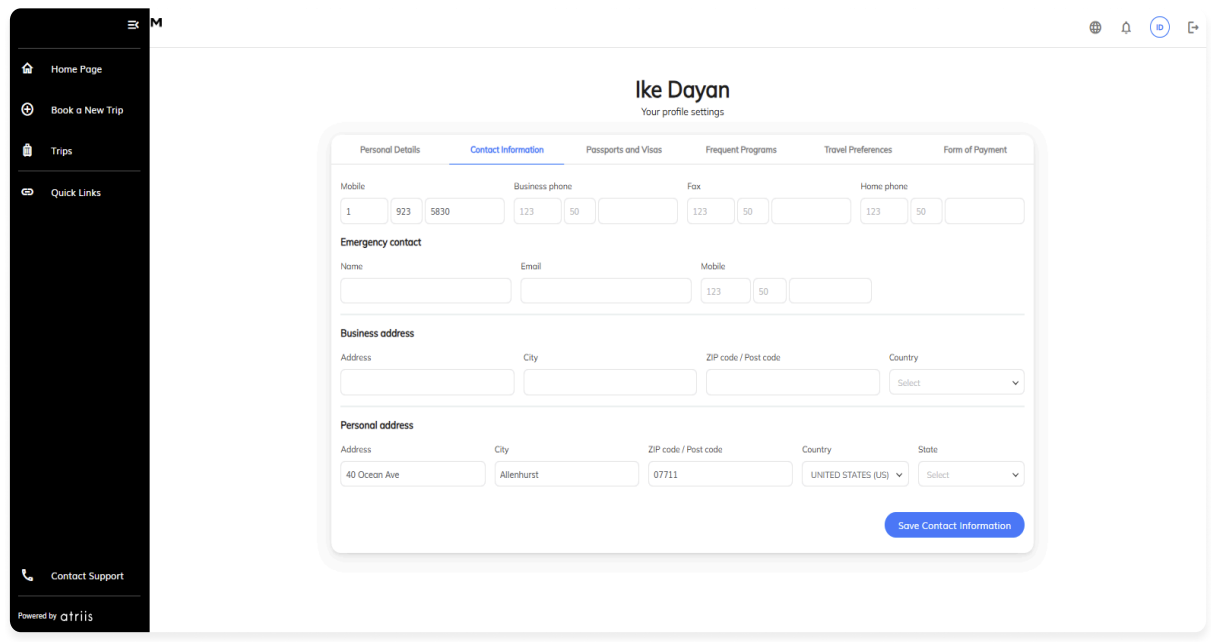
To update:
Go to Profile Settings → Contact Information.
Add or update:
Phone numbers
Emergency contact details
Address information
Click Save Contact Information.
Was this article helpful?
Sorry about that! Care to tell us more?